Guides
Guides: stream, edit and clip with less work
Short, practical guides for live shows and podcasts. Each one shows the general method first, then how BrightSide Streams does it for you.
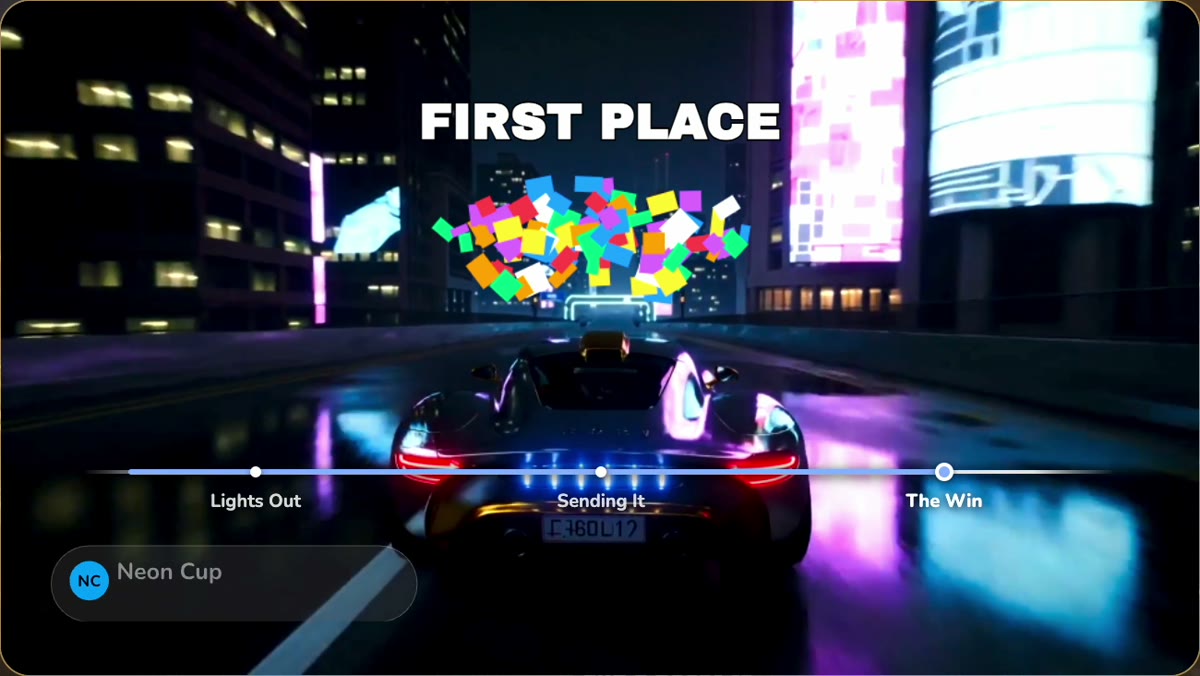
How to edit your live stream automatically (2026)
Cut the dead air and filler words, turn on captions and get clips without opening a timeline.
Read the guide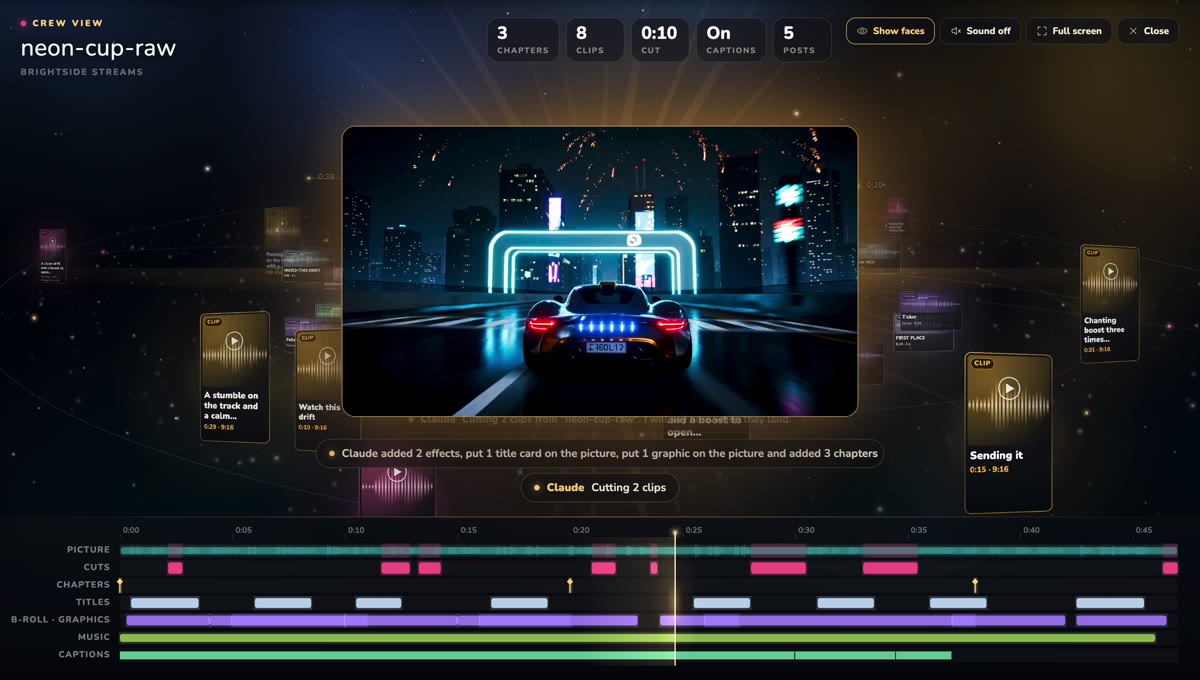
How to edit your podcast with Claude, ChatGPT or any AI
Connect your AI app to the studio and ask for cuts, captions, chapters, music and clips in plain words.
Read the guide
How to turn one stream into clips for every platform
Pick the moments, cut them vertical with captions, and post each one where it fits.
Read the guide
How to stream to YouTube and TikTok at the same time (2026)
What each platform needs, why TikTok wants a vertical picture, and how to send one show to both.
Read the guide
How to remove filler words from a podcast (2026)
Which ums to cut and which words to keep, by hand or with an editor that does the first pass.
Read the guide
How to record a podcast remotely for free (2026)
What you and your guest need, how to get good sound in two homes, and what a free plan gives you.
Read the guide
How to turn a podcast episode into clips (2026)
Which moments in a long conversation work on their own, how to find them, and a week of clips that lead back to the episode.
Read the guideCompare
Stream it. It comes out edited.
See how it worksFree plan: 30 studio minutes a month in full 1080p.